
MasterStudy LMS Pro Plus 4.8.32 Free Download — Course Access Checks & Nulled FAQ
MasterStudy LMS Pro Plus is an LMS extension for a WordPress course site. Our narrow question was what happens to a synthetic learner's enrollment record before any payment, certificate or external service is involved.
MasterStudy LMS Pro Plus v4.8.32 Free Download
Test record: 2026-10-25 · WordPress 7.1.3; PHP 8.4.27; MySQL 8.4.11; Twenty Twenty-Five 1.5. Isolated Basic Auth/noindex laboratory with synthetic data; external HTTP, real mail and payments blocked.
Course access and expiration are separate decisions
MasterStudy LMS Pro Plus is an LMS extension for a WordPress course site. Our narrow question was what happens to a synthetic learner's enrollment record before any payment, certificate or external service is involved.
A zero progress value is a meaningful starting state. Repeating enrollment should be checked independently from changing access duration. The supplied free core is a required component of this test, and shared-core results must not be credited as exclusive Plus features.
Exactly what we ran
We installed the main ZIP whose version and SHA-256 are recorded at the end of this page. Required companion components are identified in the download inventory. A guarded WP-CLI fixture invoked the installed product’s native methods with synthetic inputs; it did not substitute a mock implementation. The downloadable fixture and result file let a developer inspect the actual calls and their limits.
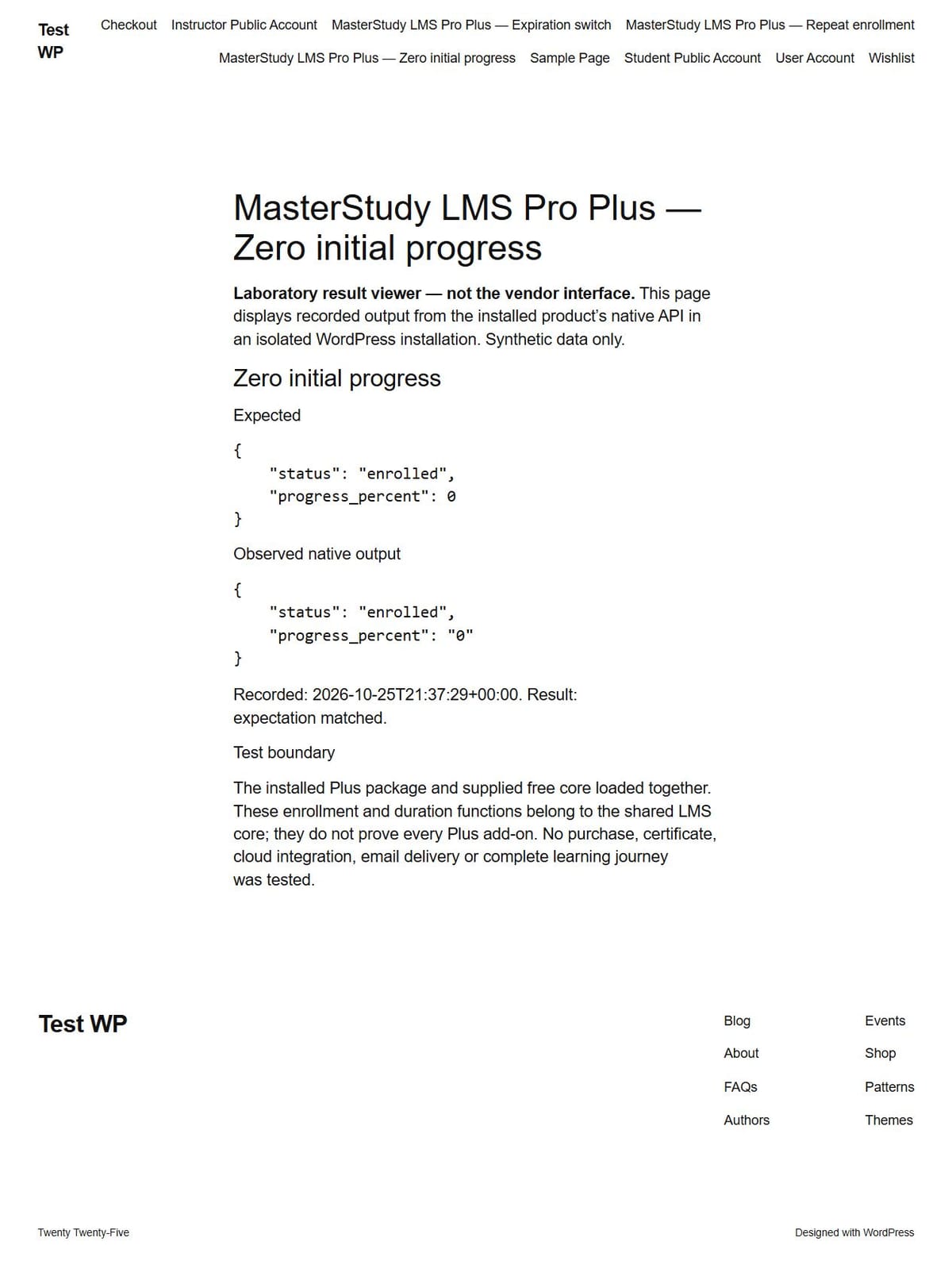
The three screenshots below show our own laboratory result viewer rendering those recorded native outputs. They are real browser screenshots, not generated imagery and not the vendor’s settings interface. A matched expectation means the recorded narrow behavior was reproduced; it does not certify a complete production workflow.
Inputs, expected behavior and observed native output
| Case | Expected or recorded limitation | Observed output |
|---|---|---|
| Zero initial progress | {"status":"enrolled","progress_percent":0} | {"status":"enrolled","progress_percent":"0"} |
| Repeat enrollment | 1 | 1 |
| Expiration switch | {"disabled_seconds":0,"two_days_seconds":172800} | {"disabled_seconds":0,"two_days_seconds":172800} |
The first CLI activation left the enrollment table absent. We loaded the product's own table activation routine and reran the fixture. This is an installation detail worth checking on staging before importing learners; it is not evidence that a normal dashboard installation will always need manual intervention.
Zero initial progress
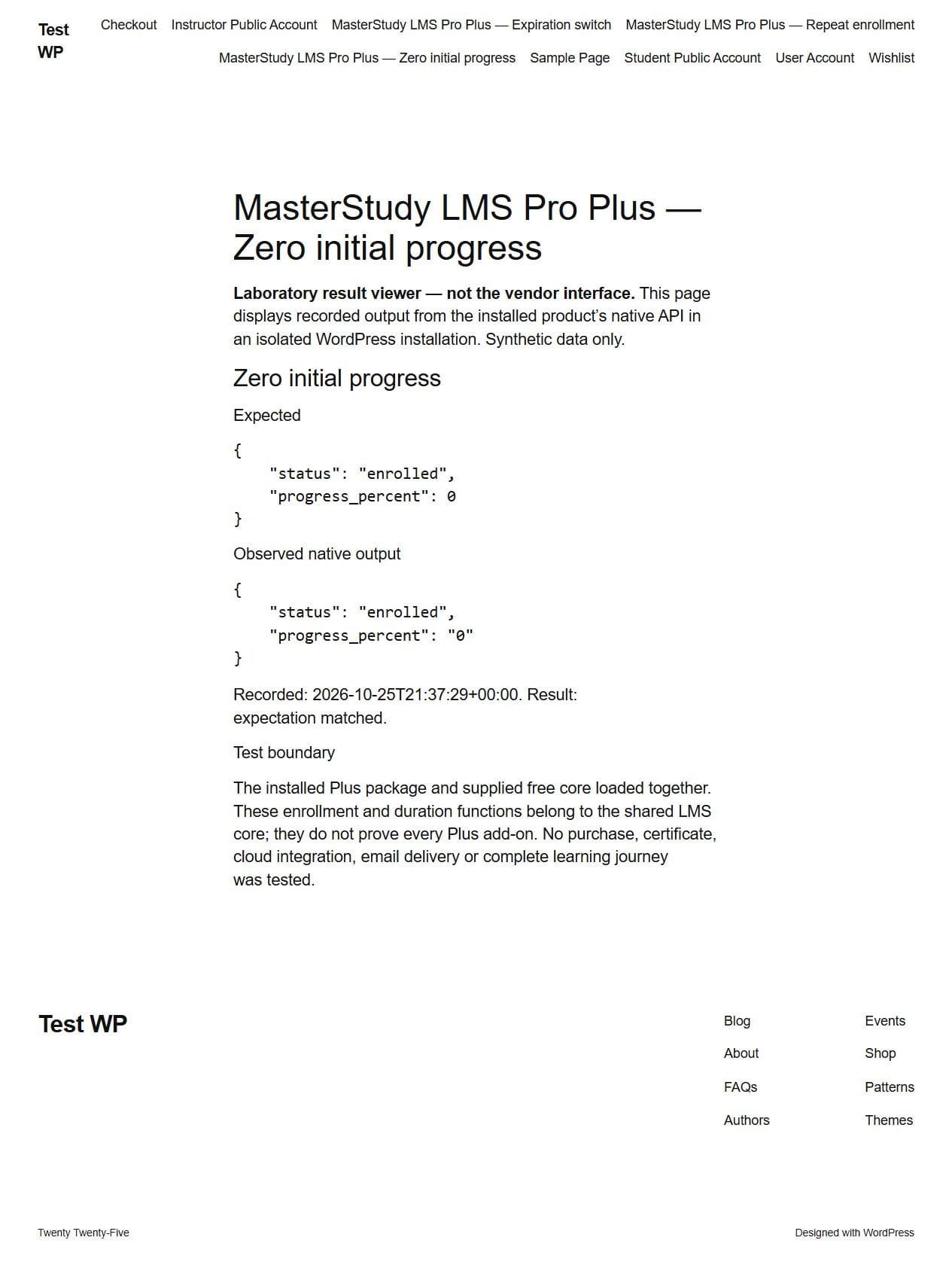
Repeat enrollment
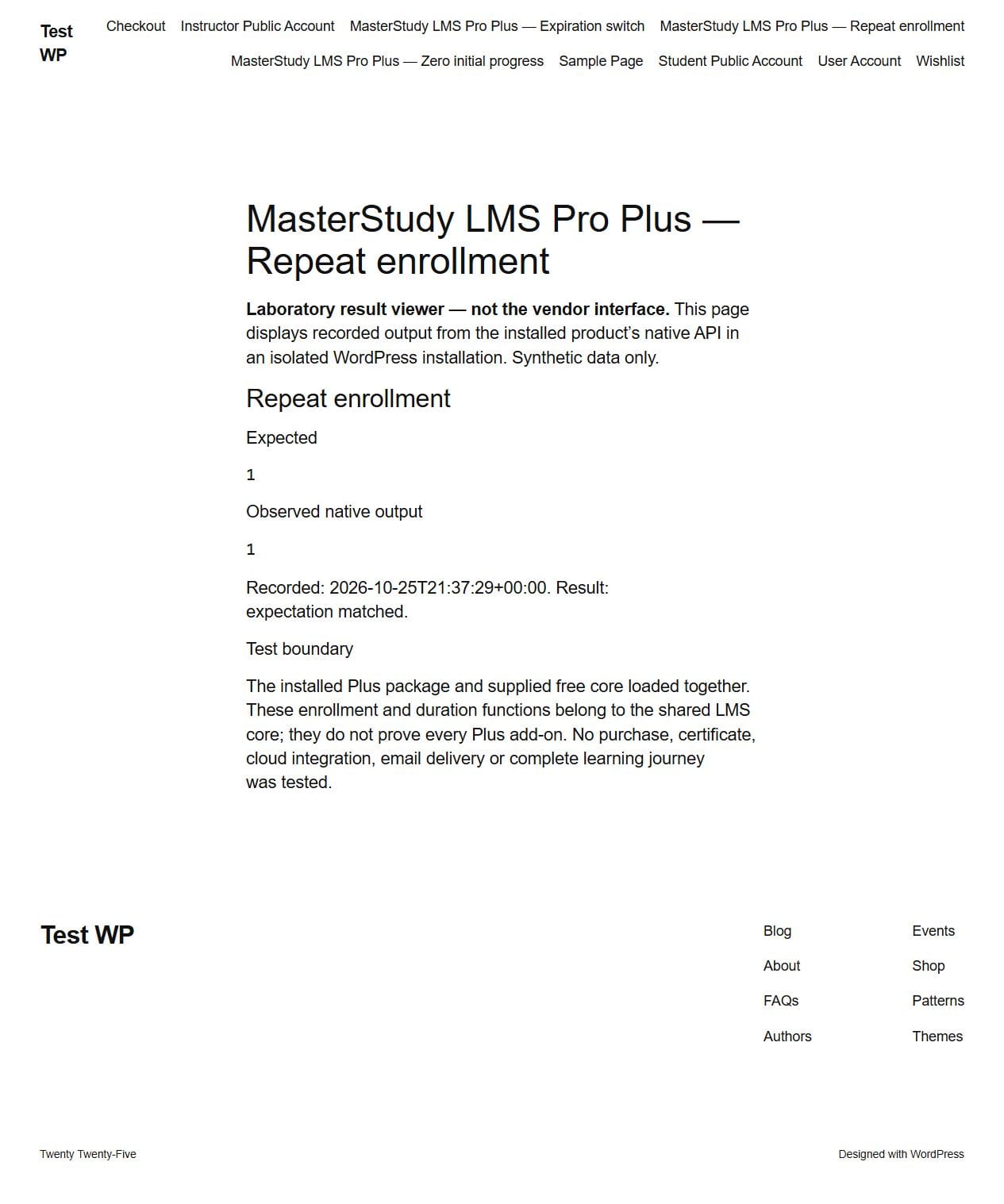
Expiration switch
What these results do and do not establish
The installed Plus package and supplied free core loaded together. These enrollment and duration functions belong to the shared LMS core; they do not prove every Plus add-on. No purchase, certificate, cloud integration, email delivery or complete learning journey was tested.
Use the recorded versions as the starting point for reproduction. Account services, update access and developer support are separate from possession of a ZIP. A different dependency version, imported design or server configuration can change the result, so rerun the relevant cases before relying on them on a live site.
Repeat the experiment on staging
Install the recorded dependency versions, then read common.php and adapt its explicit staging guards before running the fixture. Keep external HTTP, mail and payments blocked. Use a disposable staging copy; the scripts intentionally create synthetic records. The fixture calls the native enrollment-table activation routine because the initial CLI activation left that table absent.
Original captures and private laboratory snapshots are retained separately from the public fixture. Public result URLs use an example staging origin. The downloadable resources are developer test material, not an installable add-on and not a copy of a customer database.
Version and release-note boundary
The main ZIP header declares 4.8.32. The current download button and package record use that value. We have not independently confirmed a vendor changelog for this exact release, so these observations must not be read as a summary of newly added vendor features. This download is the supplied Pro Plus 4.8.32 edition. The separate older Pro 4.6.24 alternative is not included as an add-on.
Nulled, GPL and package questions
“Nulled” usually describes software whose activation or licence checks have been removed or altered; the word alone does not determine whether a particular use is lawful. GPL-covered code can be studied, modified and redistributed subject to its licence conditions, but this does not grant access to a developer’s account, hosted services, updates or support. We discuss the term here to answer a common search question; the download details separately identify the package source and tested version. Any plugin or theme obtained through an unverified third party can contain unwanted changes or malicious code, whether or not it is labelled “nulled”. Before installing it, you can ask ChatGPT or Claude Code to inspect the extracted source for suspicious behaviour without executing it or sharing credentials. Treat that review as an additional check: AI can miss harmful code or flag harmless code, and a clean result is not a security guarantee.
Does downloading this package include the developer’s service account? No account entitlement is established by these tests. Check the developer’s terms for hosted services, updates and support. The inventory describes only the supplied component snapshot; optional companions were not all installed or tested.
Exact download record
Source: GPLHub. Package version 4.8.32. Main ZIP: 10979678 bytes. SHA-256:
5efa625d913db0324c0ee329a8d760f8f812299f8c66eb98253adffabcfde3f5
Companion ZIP: 25637336 bytes. SHA-256:
989d57d6c172e35531ed1c3e3bf64b5c94118e73b58c3c5f701af4eab6f1c016
The GPLHub source listing labels this package activated/preactivated. It must not be described as an unchanged vendor ZIP. No account entitlement, vendor byte identity or security certification is established by these bounded tests.
Included add-ons and dependencies (1 archives)
- MasterStudy LMS WordPress Plugin – for Online Courses and Education 3.7.55 (dependency)
Free package downloads
MasterStudy LMS Pro Plus v4.8.32 DownloadMasterStudy LMS Pro Plus Companion Files DownloadDated 26 October 2026 GPLHub companion snapshot, with duplicate and superseded component roots removed. Dependencies and child themes are listed separately. Optional components are inventoried, not all installed or certified compatible. This is not every official add-on ever released. Extract the outer companion archive first, then install only the individual plugin ZIPs you need.